
Project Language Translator
Translation
AI Android application.
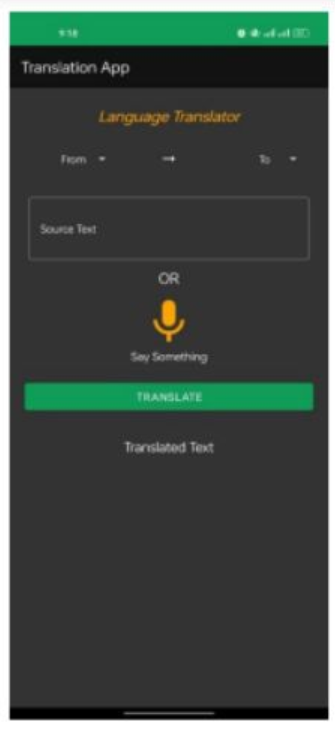
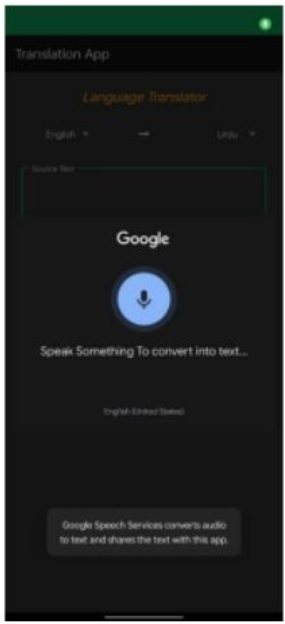
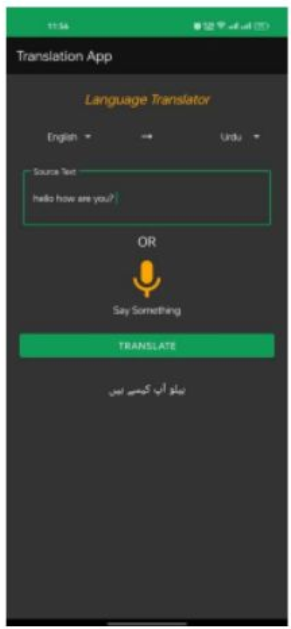
The Language Translation App is a mobile application that enables users to translate text from one language to another. Additionally, the app incorporates a Voice-to-Text feature, allowing users to provide input through spoken language, which is then converted into text. The app utilizes a Firebase translation model to perform the language translations.
- AI University Project
- Feb 24, 2023
- AI, Project
- Read More
Features
The Language Translation App offers the following key features:
a) Language Translation:
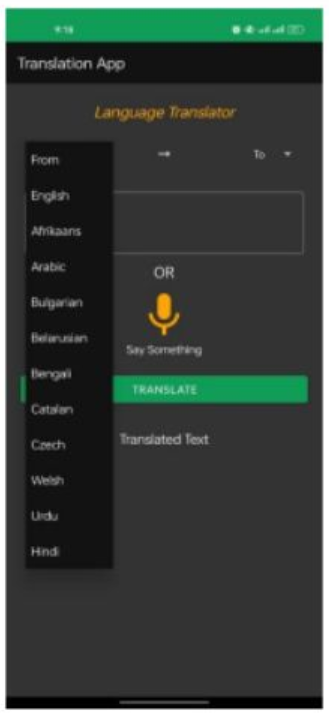
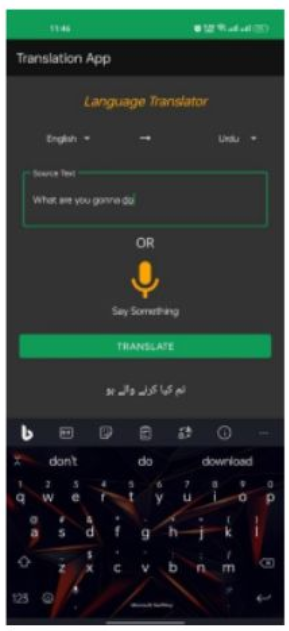
>>Users can input text and select the source language.
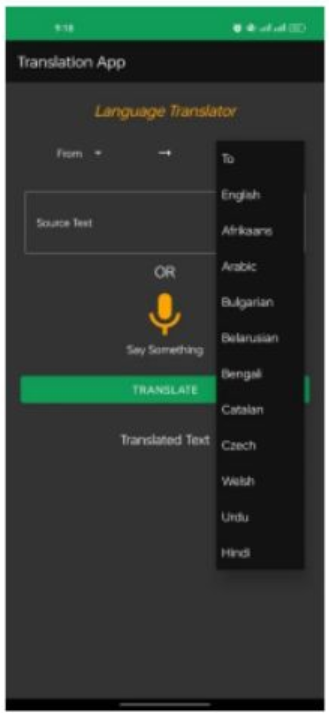
>>The app will translate the text into the desired target language.
>>The translated text will be displayed to the user.
b) Voice-to-Text:
>>Users can provide input through voice commands.
>>The app will convert the spoken language into text format.
>>The text will then be available for translation.
Implementation Of Android App
The implementation of the Language Translation App can be divided into the
following steps:
User Interface (UI) Design: Design and develop an intuitive and
user-friendly UI for the app. Include options for language selection, text
input, voice Input, and translated text display.
Integration with Firebase ML Natural Language Translate Model:
Integrate the Firebase ml-natural-language-translate-model into the app. Also
Adding additional Firebase dependencies related to that model.
firebase-ml-natural-language-translate-model:20.0.9
firebase-ml-natural-language-language-id-model:20.0.8
firebase-ml-natural-language:22.0.1
Language Translation Logic:
Implement the logic to send the text to the Firebase translation model.Then
downloading the specific Language dataset and then retrieve the translated text
from downloaded dataset and display it to the user.
Voice-to-Text Feature:
Implement voice recognition functionality using the Android Speech-to-Text Service. Convert the spoken language into text format. Then pass the converted text for translation using the Firebase translation model.
Testing and Quality Assurance
To ensure the reliability and performance of the Language Translation App, the following testing and quality assurance measures should be taken:
a) Unit Testing:
>>Develop and execute unit tests to verify the functionality of individual
components.
>>Test language translation accuracy and ensure correct translations fo
different language pairs.
b) Integration Testing:
>> Conduct integration tests to verify the seamless integration of Firebase ML
Kit Translation API.
>> Test the voice-to-text feature to ensure accurate conversion of spoken
language into text.
c) User Acceptance Testing (UAT):
>> Involve end-users in the testing phase to gather feedback and identify
potential issues.
>> Collect user feedbacks and make necessary improvements based on the results